
Slack
Slack is a collaboration platform that centralizes team conversations, files, and integrations into a single workspace, making it easier for teams to communicate and stay aligned. By integrating with Slack, wrk.com can automate workflows such as routing messages to the right channels, triggering alerts and notifications, managing approvals, and coordinating handoffs across teams. This reduces manual follow-ups and context switching, improves response times, and allows teams to focus on more strategic, high-value work while keeping collaboration seamless and efficient.

Why Choose Wrk for
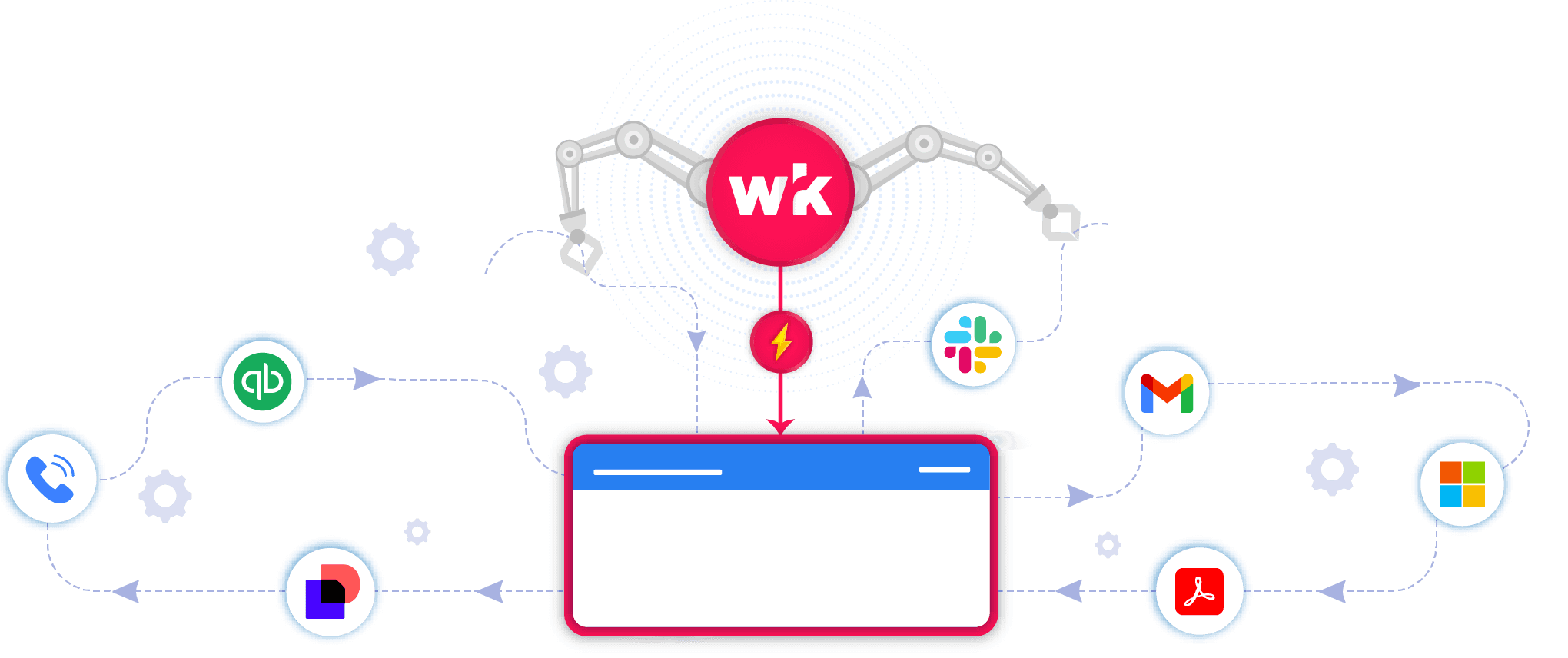
You use powerful apps, but managing growth still creates bottlenecks. Wrk takes those manual tasks off your plate so you can scale without the stress.
Integrate
Slack
with Anything
Wrk turns
Slack
bottlenecks into seamless workflows.
Wrk Turns Manual Tasks into Automations
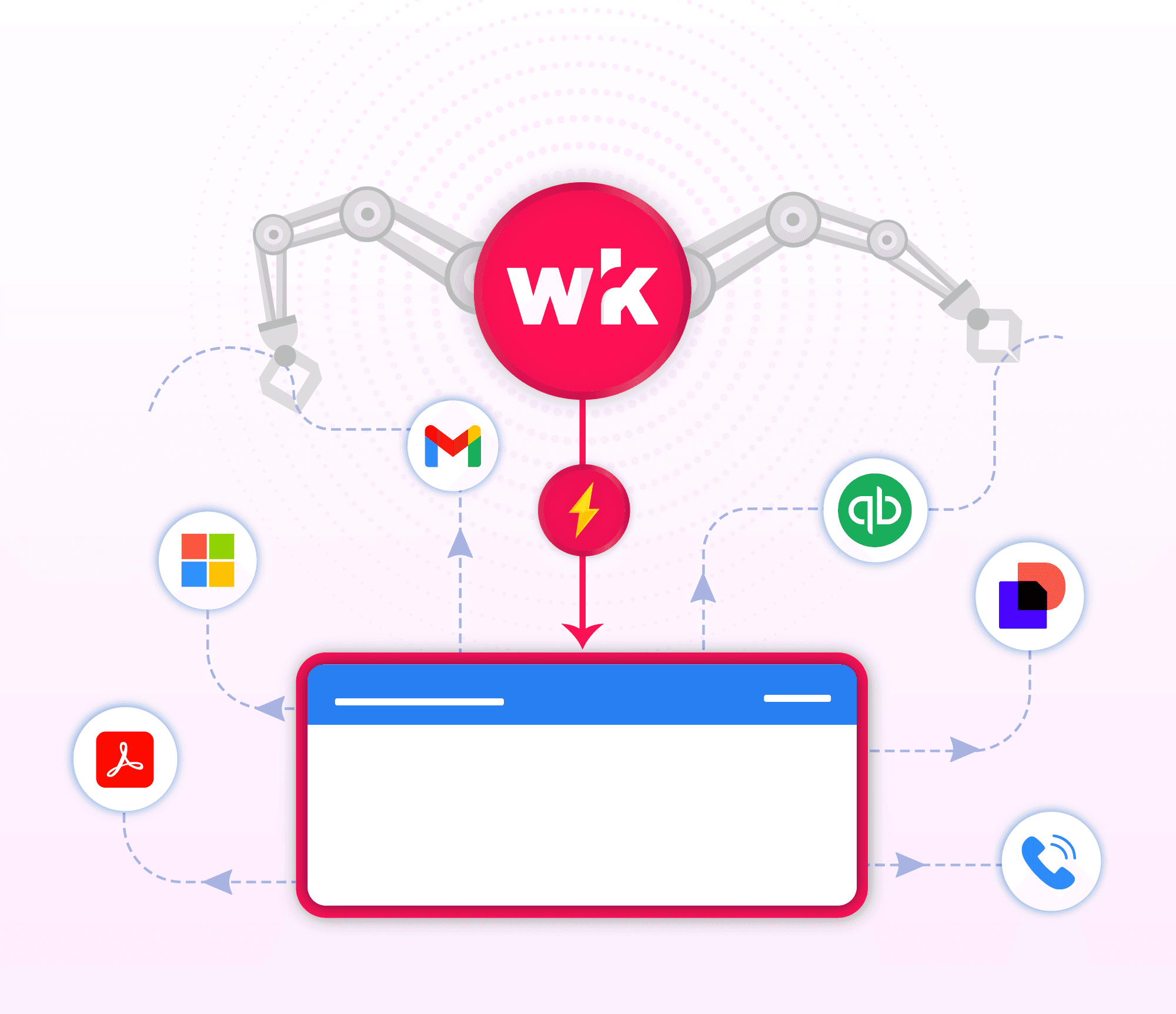
Wrk handles the busywork
Smarter
Slack
with A.I.
Grow without adding extra headcount
Real Automation Solutions
Automated Buildium to QuickBooks Sync
Accurate financial records without manual reconciliation

Wrk helps property management companies streamline financial operations by automating the synchronization of transactions between Buildium and QuickBooks Online. As portfolios grow, manually reconciling financial data across systems becomes time-consuming, error-prone, and difficult to scale. Wrk’s automated workflows:
Sync daily financial transactions
Log records accurately in QuickBooks Online
Trigger human-in-the-loop inputs when required data is missing
This ensures financial data is always up to date and eliminates the need for manual reconciliation. Clients benefit from:
Improved data accuracy
Faster and more reliable reconciliation
Reduced administrative workload
Built to scale, Wrk’s solution handles growing transaction volumes and evolving needs, enabling teams to maintain accurate financial records without added manual effort.
Effortless Support Ticket Management
Automate. Prioritize. Resolve — Faster Support Starts Here.

Wrk helps customer experience teams streamline the entire support process, from ticket creation through resolution. Manually reviewing, prioritizing, and assigning requests can delay responses and increase the risk of important issues being overlooked. Wrk’s automated workflows categorize incoming tickets, determine their urgency, and route them to the appropriate team, ensuring every request receives timely attention. Automated workflows can:
Categorize and prioritize tickets based on content, urgency, or customer needs
Assign requests to the appropriate team or support agent automatically
Trigger escalations, status updates, and follow-ups until issues are resolved
Clients reported:
Faster response and resolution times
Fewer overlooked or delayed support requests
Greater accountability and visibility across support teams
Don’t see your use case? Perfect. The ones no one can automate are exactly the ones we do. Tell us about your use case.
Connect the Tools You Already Use






















































Frequently Asked Questions
What is Slack, and why integrate with it?
Slack is a collaboration and messaging platform used by teams worldwide. Our integration extends Slack with intelligent automation and configurable workflows, helping teams reduce manual work, stay aligned, and streamline processes such as notifications, approvals, escalations, and follow-ups, directly within Slack.
How does the integration work?
We connect securely to Slack using its API. When key events occur, such as a new message, workflow trigger, or status update, our system automatically initiates the appropriate action. This can include sending notifications, requesting approvals, routing information to the right channels, or alerting team members.
What can I automate?
You can automate a wide range of team and operational workflows, including:
Notifications and alerts sent to channels or direct messages
Approval and decision workflows within Slack
Task assignments and follow-ups
Escalations and priority alerts
Reporting and status update triggers
And more
Is my data secure?
Yes. We use encrypted API connections and follow industry-standard security practices, including SOC 2–aligned controls and HIPAA best practices, to keep your data secure and private.
Will this change how I use Slack?
No. You’ll continue using Slack as you normally do. Our automation runs in the background, enhancing workflows while keeping communication timely and consistent.
What do I need to get started?
You’ll need an active Slack workspace with the required permissions to install apps and enable API access. Our team will guide you through the setup and provide support from onboarding through launch.
How can I try it?
You can book a short demo with our team to see how easy it is to connect Slack and launch your first automated workflow, often in less than a week.


Back to top