
Dynamics 365
Microsoft Dynamics 365 is a cloud-based suite of business applications that brings together CRM and ERP capabilities including sales, customer service, finance, operations, and marketing within a single unified platform. It helps organizations streamline processes, strengthen customer relationships, and gain real-time insights through integrated data and AI. WRK supports Dynamics 365 by connecting it with other tools and systems, automating tasks such as data entry, lead routing, reporting, and notifications. This reduces manual effort, improves accuracy, and creates smooth end-to-end workflows powered by Dynamics 365 data.

Why Choose Wrk for
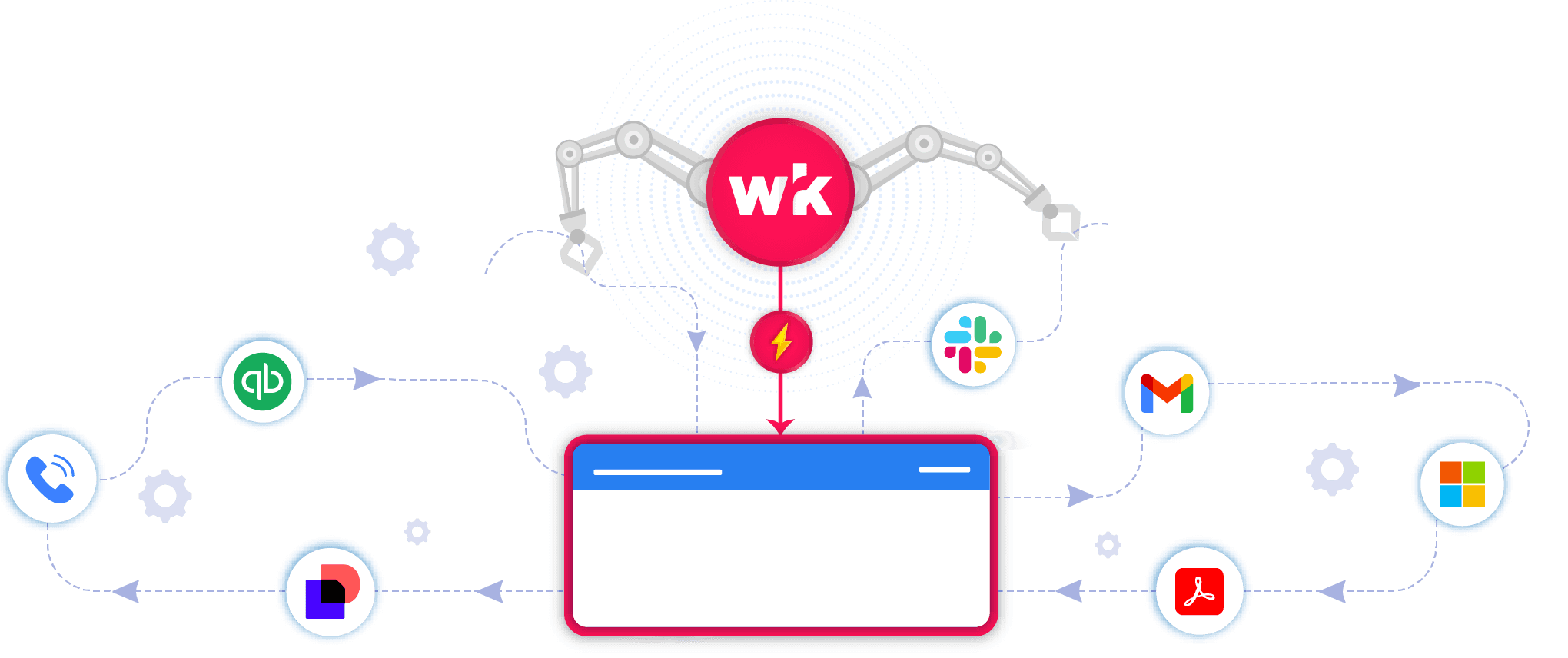
You use powerful apps, but managing growth still creates bottlenecks. Wrk takes those manual tasks off your plate so you can scale without the stress.
Integrate
Dynamics 365
with Anything
Wrk turns
Dynamics 365
bottlenecks into seamless workflows.
Wrk Turns Manual Tasks into Automations
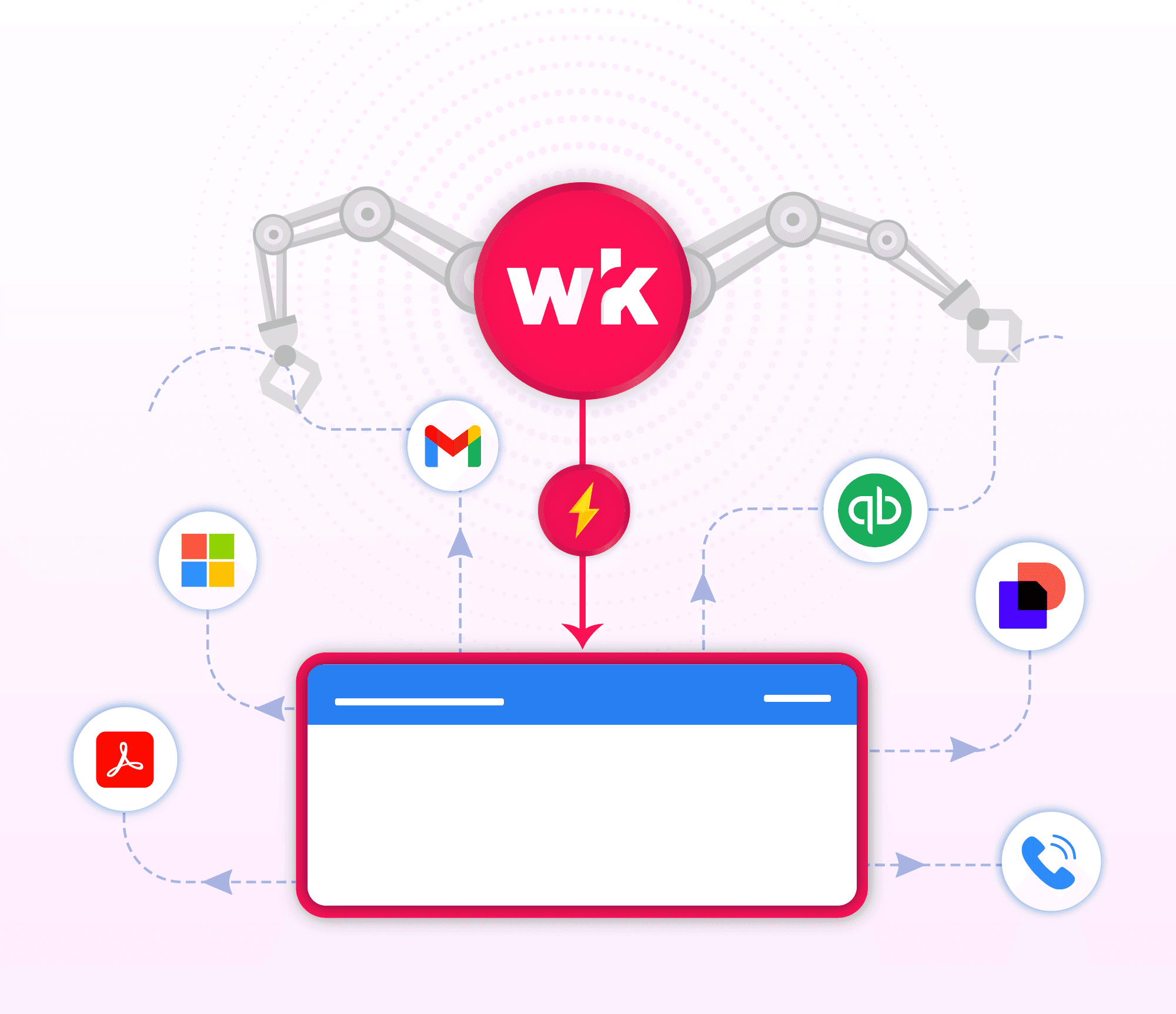
Wrk handles the busywork
Smarter
Dynamics 365
with A.I.
Grow without adding extra headcount
Real Automation Solutions
Automated Shipment Tracking & Exception Management
Know where everything is and fix issues before they become problems.

Supply‑chain teams spend hours every week logging into carrier portals, chasing tracking numbers, updating internal stakeholders, and reacting to delays only after they’ve already disrupted production or customer commitments. Wrk eliminates this grind by automatically pulling shipment statuses from carriers, freight forwarders, and 3PL systems, then normalizing the data into a single, real‑time view. Every update, in‑transit, delayed, out for delivery, customs hold, is captured and pushed into your ERP, inventory system, or internal dashboards.
When exceptions occur, Wrk triggers alerts, opens tickets, notifies vendors or logistics partners, and routes issues to the right internal teams. Your supply‑chain team gets ahead of issues, reducing downtime, preventing stockouts, and improving on‑time delivery performance. Calmer, more predictable logistics operation where Wrk handles the monitoring and escalation, and your team focuses on strategic planning and customer satisfaction.
Invoice Process Automation
Invoice Automation Software That Finally Fits

Wrk delivers fully managed, custom‑built invoice automation designed around your exact workflows, approval paths, and compliance requirements, not generic templates that force your business to adapt. With AI-powered processing, embedded OCR for any invoice format, seamless integration with any system, and human‑in‑the‑loop accuracy, Wrk removes workarounds and finally gives teams an automation solution that fits the way they operate.
AI + OCR can understand any invoice format
Workflow approval process with human-in-the-loop
Match vendors and PO numbers seamlessly with AI
Your business rules built straight into your workflow
The platform eliminates tedious manual tasks, saving teams 250+ hours per year while accelerating approvals and reducing errors, duplicates, and compliance risks across AP and AR workflows. With 24‑hour deployment, ongoing expert support, enterprise‑grade security, and a satisfaction guarantee, Wrk handles the job no one wants to do, so your team can focus on higher‑value work.
Automated Campaign Performance & Reports
Turn disconnected campaign data into clear, actionable insights
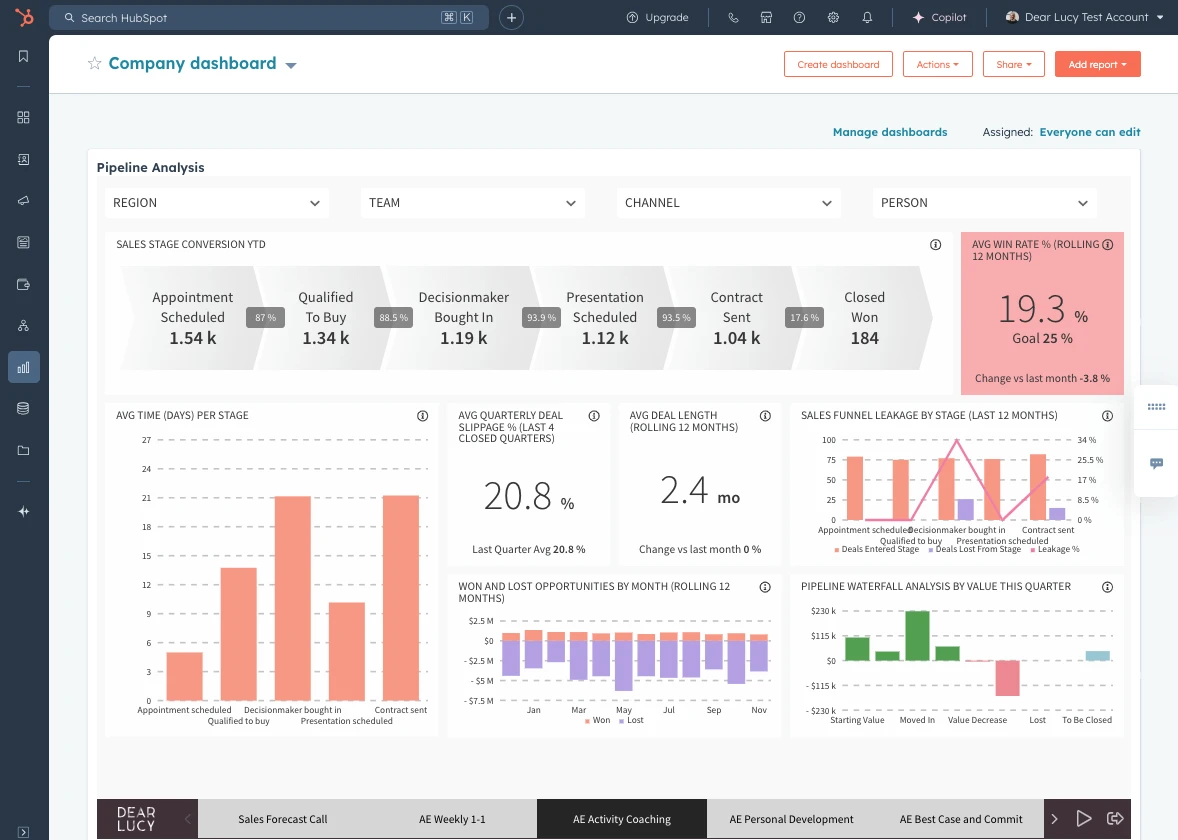
Wrk helps marketing teams automate performance reporting across marketing, CRM, advertising, and analytics platforms. Manually collecting data from multiple systems can delay reporting, create inconsistencies, and make it difficult to understand which campaigns are producing results. Wrk’s automated workflows consolidate campaign data, standardize key metrics, and deliver accurate reports so teams can make faster, more informed decisions. Automated workflows can:
Collect campaign, engagement, lead, and conversion data across platforms
Consolidate and standardize marketing metrics automatically
Generate reports and notify teams when performance changes or requires attention
Clients reported:
Faster reporting with less manual data collection
Greater visibility into campaign and channel performance
More informed budget allocation and campaign decisions
Don’t see your use case? Perfect. The ones no one can automate are exactly the ones we do. Tell us about your use case.
Connect the Tools You Already Use
























































Frequently Asked Questions
What is Microsoft Dynamics 365, and why integrate with it?
Microsoft Dynamics 365 is a robust, cloud-based suite of business applications that unifies CRM and ERP capabilities. Our solution enhances Dynamics 365 by adding automation and customizable workflows, helping your team reduce manual data entry, improve operational consistency, and accelerate processes such as lead management, case handling, sales operations, billing, and customer follow-ups.
How does the integration work?
We securely connect to Microsoft Dynamics 365 through its API. When key events occur, such as a new lead creation, opportunity update, case resolution, invoice posting, or customer record change, our platform automatically triggers the right workflow: send notifications, assign tasks, request approvals, generate documents, update entities, and more.
What can I automate?
Lead qualification, routing, and follow-ups
Opportunity tracking, proposal generation, and sales reminders
Case management workflows, escalations, and SLA enforcement
Invoice creation, payment reminders, and billing processes
Document requests, e-signatures, and compliance tracking
Employee onboarding steps and internal approval chains
And virtually any repetitive or rule-based process in Dynamics 365
Is my data secure?
Absolutely. We use encrypted API connections and follow strict enterprise-grade compliance standards, including SOC 2, and Microsoft security best practices to ensure your organizational data stays protected.
Will this change how I use Dynamics 365?
Not at all. You’ll continue to work inside Dynamics 365 just as you do today. Our system runs behind the scenes, automating repetitive tasks and keeping your operational, sales, and customer-service workflows moving efficiently.
What do I need to get started?
You’ll need a Dynamics 365 environment with API access enabled. We provide full onboarding and integration support to help you get set up quickly and confidently.
How can I try it?
Schedule a quick demo with our team, and we’ll show you how to connect Microsoft Dynamics 365 and launch your first automated workflow in under a week.


Back to top