

Arena
Arena Solutions provides cloud-based product lifecycle management tools that help teams manage product data, quality processes, and collaboration throughout the development cycle. Wrk.com can complement Arena by automating many of the repetitive, manual tasks that occur around PLM workflows, such as gathering documentation, routing approvals, syncing data between systems, and triggering notifications. By integrating Wrk’s hybrid automation platform with Arena’s PLM environment, teams can streamline operations, reduce errors, and keep product information up to date without the usual administrative overhead.

Why Choose Wrk for
You use powerful apps, but managing growth still creates bottlenecks. Wrk takes those manual tasks off your plate so you can scale without the stress.
Integrate
Arena
with Anything
Wrk turns
Arena
bottlenecks into seamless workflows.
Wrk Turns Manual Tasks into Automations
Wrk handles the busywork
Smarter
Arena
with A.I.
Grow without adding extra headcount
Real Automation Solutions
Automated Inventory Management
Track stock and reorder automatically to prevent delays and reduce costs.
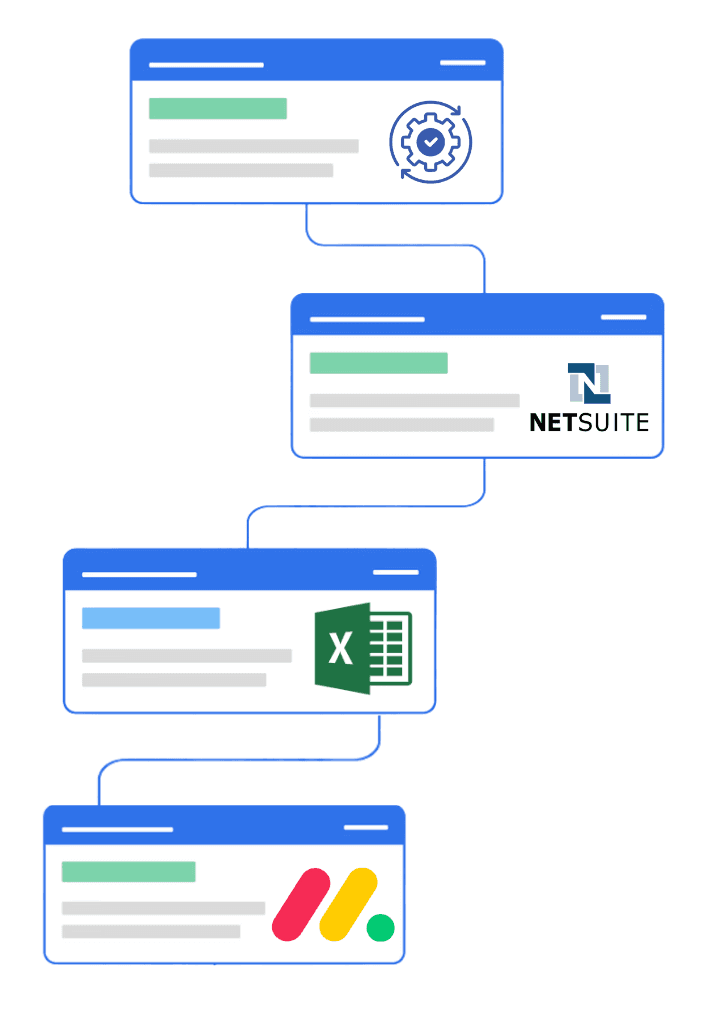
Production managers spend hours consolidating data from multiple systems to monitor output, downtime, and defect rates. Wrk automates this by pulling data from apps like NetSuite for ERP, Shopify for eCommerce production tracking, Excel/Google Sheets for reporting, and MES systems for machine-level data. KPIs are calculated automatically, alerts notify managers of issues, and human oversight ensures quality control for exceptions. Automation saves time, reduces errors, and provides actionable insights to optimize operations.
Key Points:
Challenge: Manual consolidation, delayed reporting, limited visibility, and error-prone processes
Wrk Solution: Automatic data collection, KPI calculation, exception alerts, human-in-the-loop review for anomalies
Impact: Faster, more accurate reporting, real-time alerts for defects or downtime, actionable insights, improved efficiency, scalable across production lines
Inventory Management and Reordering
How Manufacturers Can Achieve Zero Stockouts with Automated Inventory Management
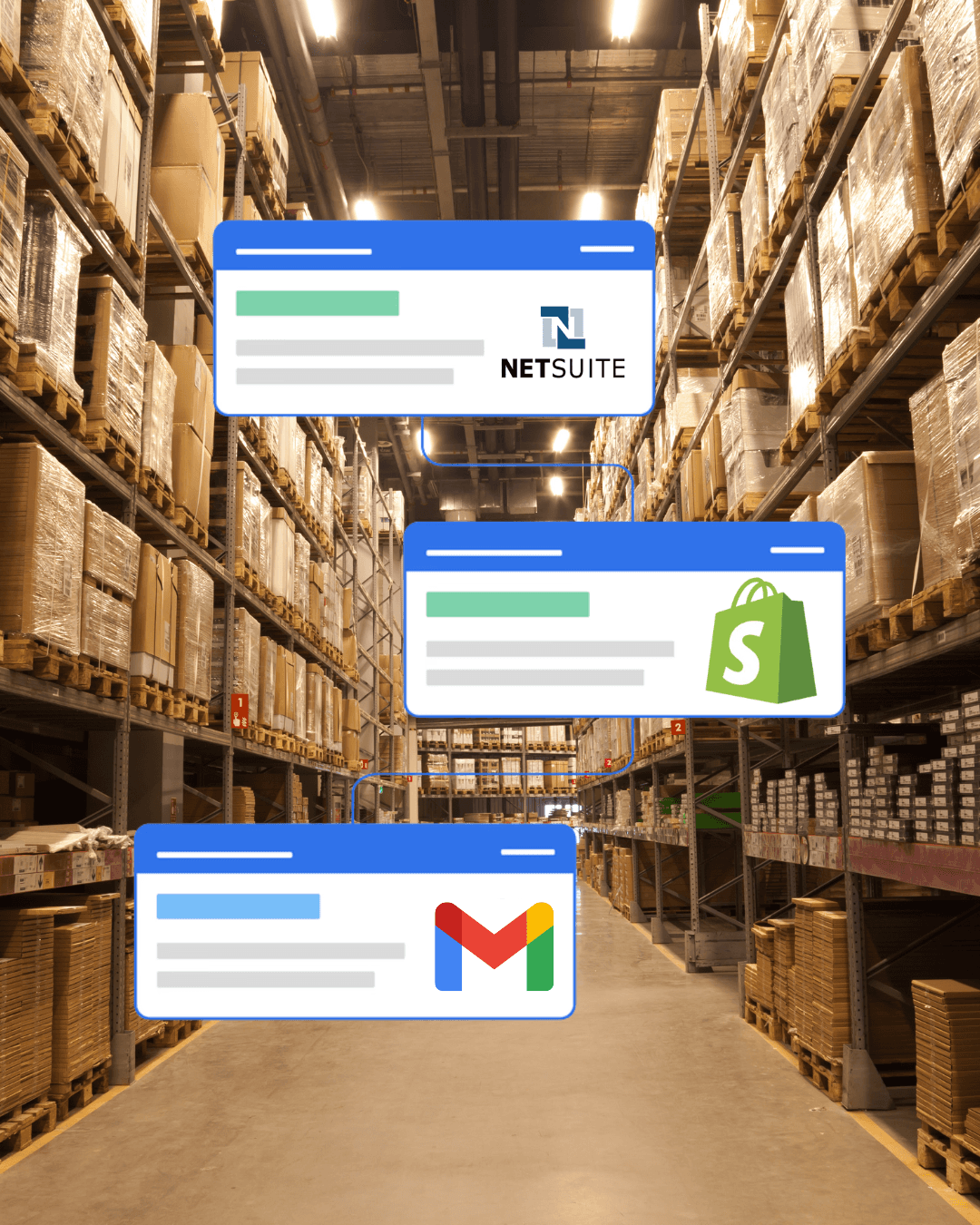
Manufacturers often struggle with manual inventory tracking, leading to stockouts, overstocking, and costly production delays. Wrk automates inventory management by connecting systems like NetSuite for ERP, Shopify for eCommerce inventory, spreadsheets, and supplier communications. Real-time monitoring and automatic reorder triggers ensure materials are always available. AI handles routine exceptions, while staff review unusual or complex cases. Automation frees teams to focus on production efficiency and strategic operations.
Key Points:
Challenge: Manual inventory tracking; risk of stockouts; time-consuming purchase orders
Wrk Solution: Real-time tracking, automated reorder notifications, AI for exceptions, human review for unusual cases
Impact: 90% of tasks automated; stockouts nearly eliminated; faster order processing; scalable across warehouses and production lines
Streamlining Invoicing with QuickBooks
Smart, Simple, and Seamless Invoicing

Manufacturers are under growing pressure to process hundreds of invoices with accuracy and security. Wrk’s AI-powered workflows help businesses streamline their financial operations by automating repetitive QuickBooks tasks. For many clients, manually converting billing data from internal systems into QuickBooks invoices was time-consuming and error-prone. Wrk’s AI-powered workflows:
Extract billing details from internal systems or spreadsheets
Create and send invoices automatically through QuickBooks
Integrate with tools like Dropbox, ServicePal, and Google Sheets
The impact:
More than 90% of 1,400 monthly invoices automated
80-90% of time was saved every month
AR processing is also more accurate
Invoicing time reduced from 4-5 days to 2-3 days
Significant error reduction
With Wrk, businesses in any industry can scale their financial operations efficiently and confidently, automating routine tasks to reduce errors, save significant time, and free their teams to focus on higher-value work.
Don’t see your use case? Perfect. The ones no one can automate are exactly the ones we do. Tell us about your use case.
Connect the Tools You Already Use





























































Frequently Asked Questions
What is Acumatica, and why integrate it with Arena?
Acumatica is a modern, cloud-based ERP platform that centralizes finance, distribution, project accounting, CRM, and operations. Integrating Acumatica with Arena connects your product, quality, and operational data end-to-end. This eliminates manual entry, automates key processes, and ensures teams are working from the same accurate, up-to-date information, accelerating everything from order processing and inventory planning to project execution and customer support.
How does the integration work?
Arena connects to Acumatica through secure APIs and its native integration framework. When changes occur, such as new customer records, sales orders, invoices, engineering updates, or project changes, Arena automatically triggers the appropriate workflow. This can include creating tasks, routing approvals, sending notifications, updating records, generating documentation, or syncing information between systems.
What kinds of processes can be automated?
With the Arena–Acumatica integration, you can streamline and automate:
Customer onboarding and CRM follow-ups
Sales order creation, approvals, and fulfillment workflows
Invoice creation, payment reminders, and accounting updates
Project task assignments, status tracking, and reporting
Inventory, procurement, and supply chain alerts
Real-time data synchronization between Acumatica and other business systems
Is my data secure?
Yes. Acumatica provides enterprise-grade security, including encryption, role-based access controls, and compliance with industry standards. Arena uses secure, encrypted API connections and follows rigorous data protection practices, including SOC 2 and HIPAA-aligned controls where applicable. Your data remains protected throughout every integration touchpoint.
Will this change how I use Acumatica?
No. You will continue using Acumatica the same way you do today. Arena simply works behind the scenes to automate repetitive processes, maintain consistency, and reduce manual effort, without requiring changes to your existing Acumatica workflows.
What do I need to get started?
You’ll need an Acumatica environment with API access enabled. Arena provides guided onboarding and integration support to help you connect your systems and launch automated workflows quickly.
How can I try it?
Schedule a demo with our team. We’ll walk you through the integration, answer your questions, and help you activate your first automated workflow between Arena and Acumatica, often in less than a week.


Back to top