

NolaPro
NolaPro is a web‑based accounting and ERP platform designed to help small to mid‑size businesses, and even larger enterprises, manage core business operations from a single system. It combines robust accounting features (general ledger, accounts payable/receivable, invoicing, billing), with inventory control, order management, payroll/HR, CRM/vendor‑management, point‑of‑sale (POS), and more. If you used Wrk with NolaPro, you could further enhance efficiency by automating repetitive tasks, for example: automatic invoice generation, syncing orders/inventory updates, triggering notifications or reports, updating customer/vendor records, or generating recurring payroll. In effect, Wrk could turn NolaPro into a more hands‑off, streamlined business engine by bridging manual workflows and reducing human intervention.
Why Choose Wrk for
You use powerful apps, but managing growth still creates bottlenecks. Wrk takes those manual tasks off your plate so you can scale without the stress.
Integrate
NolaPro
with Anything
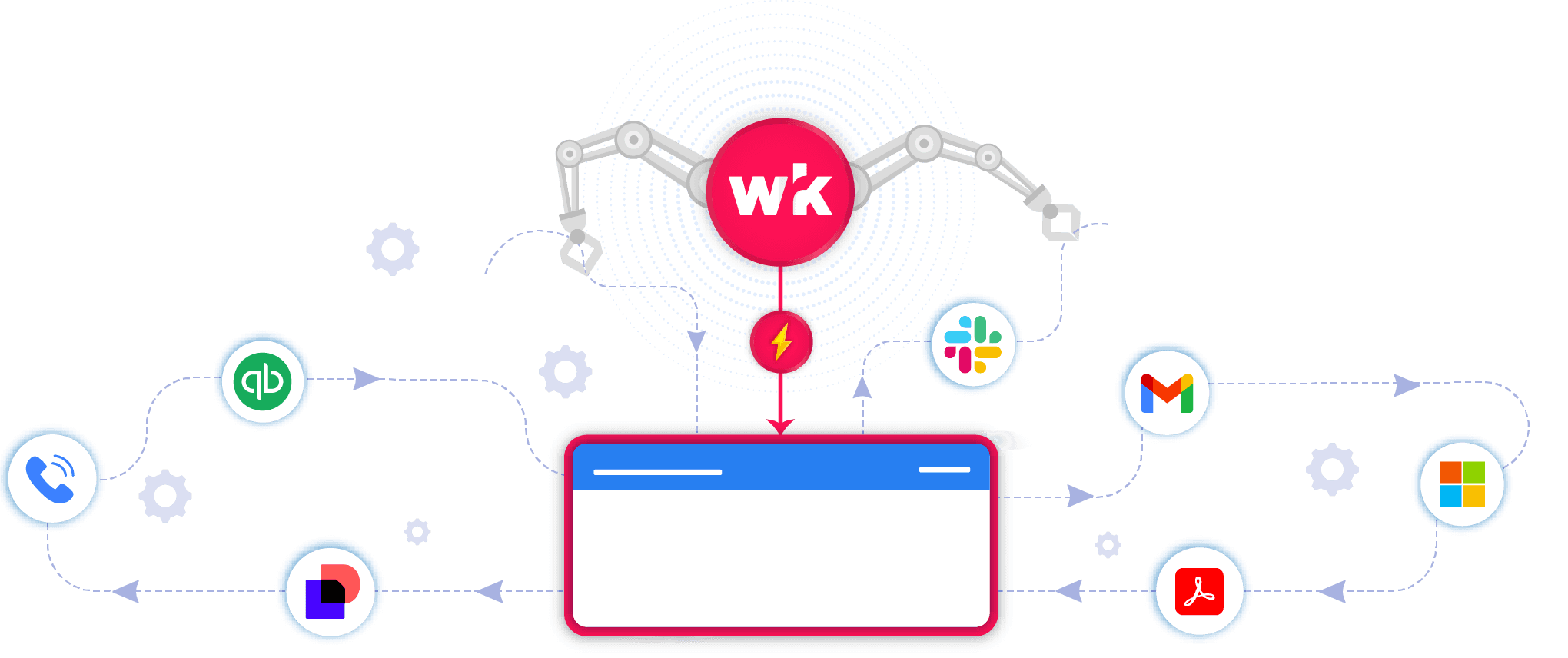
Wrk turns
NolaPro
bottlenecks into seamless workflows.
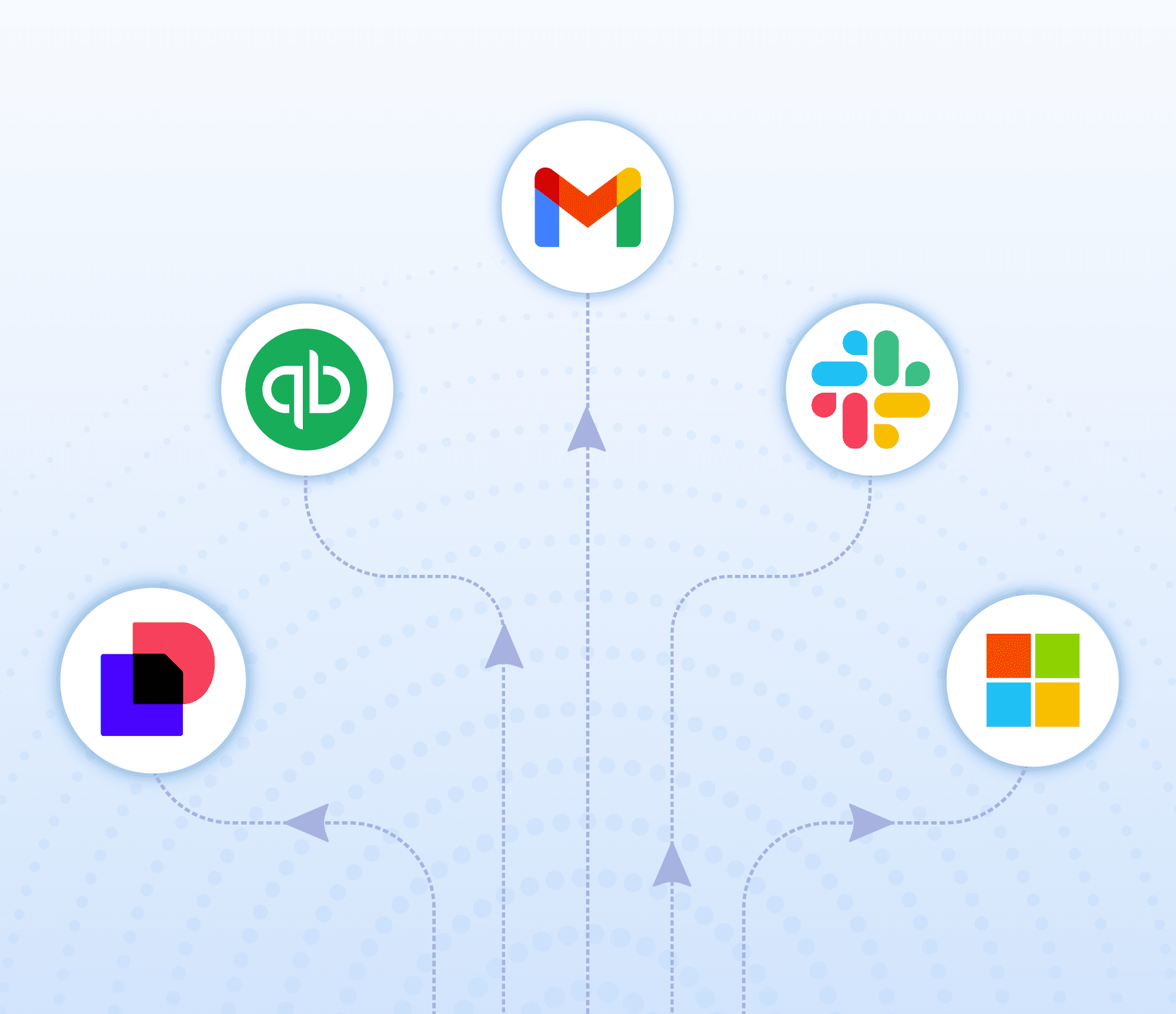
Wrk Turns Manual Tasks into Automations
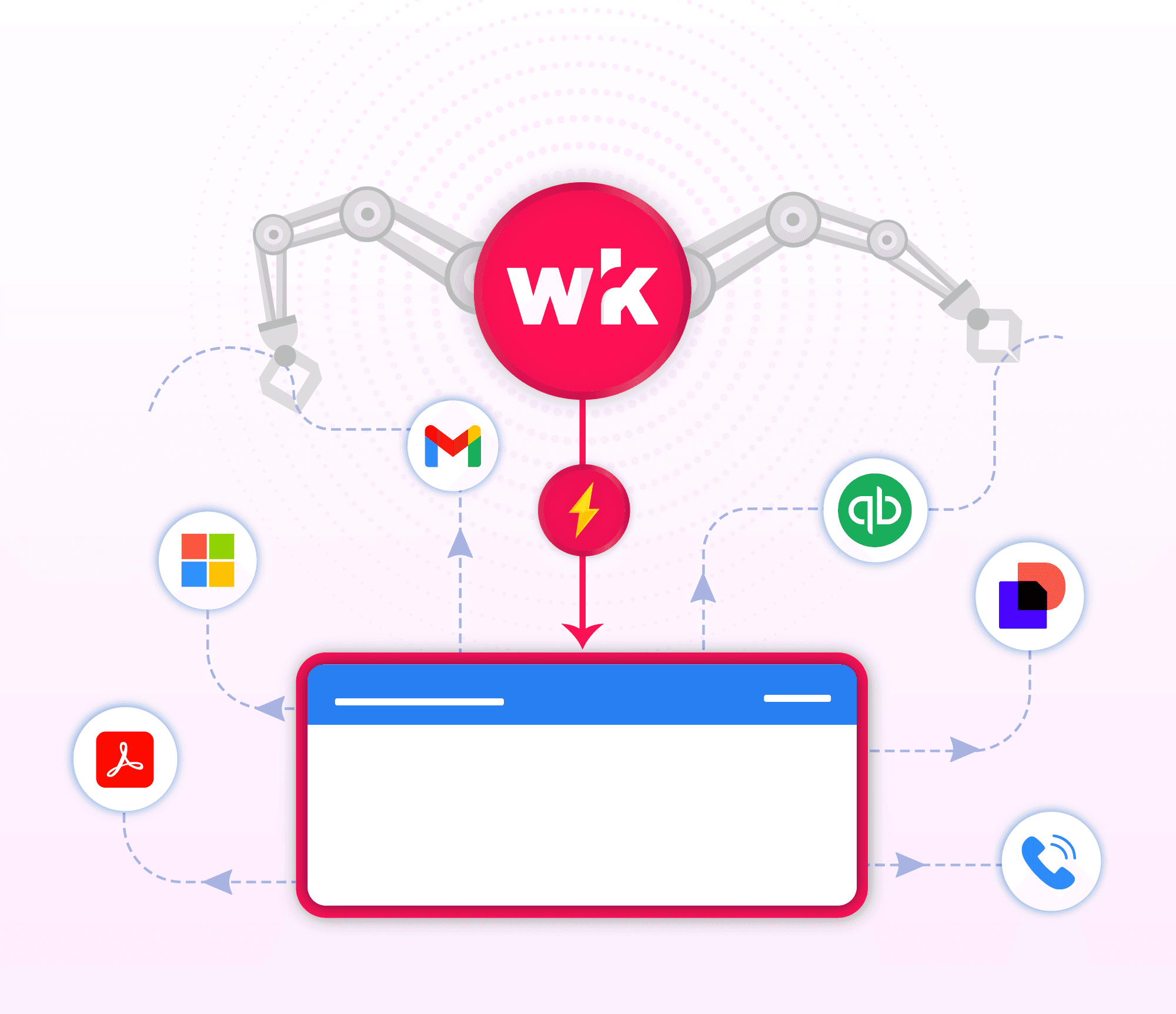
Wrk handles the busywork
Smarter
NolaPro
with A.I.
Grow without adding extra headcount
Real Automation Solutions
Effortless Audits & Reporting
Accurate. Automated. Audit-ready.

While critical, audit preparation and accurate reporting can be time-consuming and potentially error-prone. Wrk's platform delivers end-to-end financial reporting automation, including data collection, report generation, and cross-referencing, ensuring accuracy and reducing the time required for audits. Real-time data synchronization supports transparent reporting, enhancing credibility and simplifying the path to compliance. This level of precision and organization streamlines audits and promotes accountability across financial operations.
Smarter Financial Client Management
Automation with a human touch.
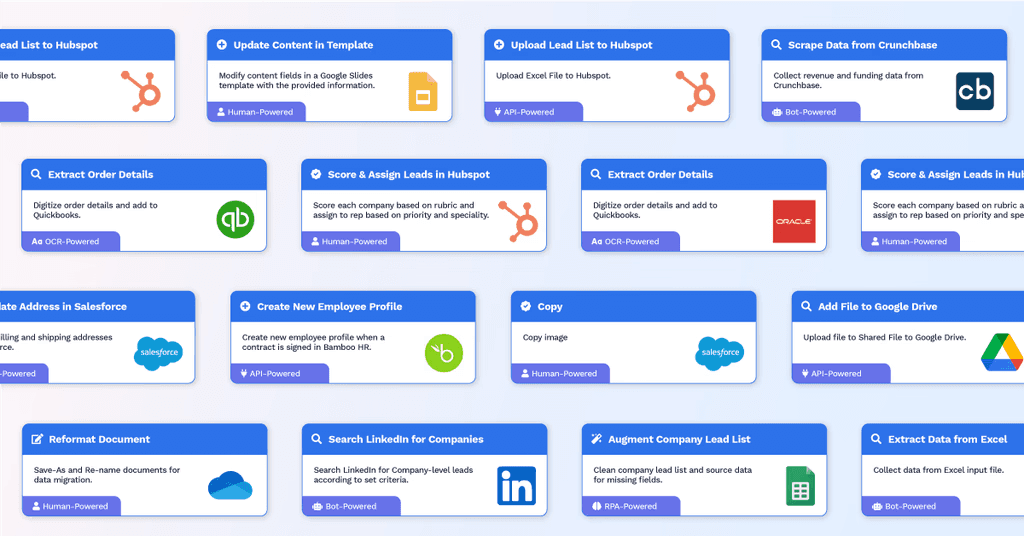
Wrk helps financial services teams improve client onboarding, document processing, and communication by automating repetitive tasks across CRMs, document management systems, email, and financial platforms. In highly regulated environments, balancing efficiency with personalized service can be challenging. Wrk's HITL workflows combine automation with human oversight to ensure accuracy, flexibility, and exceptional client experiences. Automated workflows can:
Automate client onboarding & document collection across systems
Route applications and exceptions for human review when needed
Trigger personalized client communications and status updates automatically
Clients reported:
Faster onboarding and reduced administrative workload
Improved client satisfaction through timely, consistent communication
Greater accuracy and compliance without sacrificing personalized service
Stay Ahead of Financial Risk
Real-Time Insights. Automated Responses. Resilient Operations.
Wrk helps financial services teams identify and respond to potential risks by automating monitoring, analysis, and alerting across financial systems, email, and reporting tools. In highly regulated environments, delayed responses and manual oversight increase operational and compliance risk. Wrk's automated workflows provide continuous visibility so teams can act quickly and confidently. Wrk's automated workflows can:
Monitor transactions, reports, and business systems in real time
Trigger alerts when anomalies, exceptions, or compliance risks are detected
Route high-risk cases for human review and resolution
Clients reported:
Faster identification and response to potential risks
Reduced manual monitoring and improved operational efficiency
Stronger compliance and greater confidence in decision-making
Don’t see your use case? Perfect. The ones no one can automate are exactly the ones we do. Tell us about your use case.
Connect the Tools You Already Use













































Frequently Asked Questions
What is NolaPro, and why integrate with it?
NolaPro is a web-based ERP and accounting platform that combines core business functions such as accounting, inventory, payroll, order management, CRM/VRM, and more. By integrating with NolaPro, you can automate and streamline your operations across departments, reducing manual work, improving consistency, and accelerating essential processes like order processing, invoicing, payroll, inventory management, customer & vendor management, and reporting.
How does the integration work?
We connect securely to NolaPro using its REST‑style API/web services. When certain events occur, for instance a new order, invoice, payment, inventory update, or customer record, our integration platform automatically triggers the right workflows: send notifications, update records, generate documents, sync with other systems, update inventory, handle billing or payroll tasks, and more.
What can I automate?
Accounts payable / receivable and general ledger bookkeeping
Order management (quotes, sales orders, POS, service orders) and fulfillment workflows
Inventory management: stock tracking, multi‑location inventory, cost estimation, stock adjustments, BOM/assembly orders, and barcode‑enabled inventory workflows
Payroll and employee time‑clock or payroll processing
Customer / vendor / CRM workflows: customer onboarding, vendor management, order history, payment follow‑ups
E‑commerce and POS integrations (e.g. syncing orders from online stores, or point‑of-sale transactions)
Reporting, custom report generation, and financial statements
Data synchronizations with other tools (e.g. eCommerce platforms, bank transaction feeds, external apps)
Is my data secure?
Yes. NolaPro offers both cloud‑hosted and on‑premises deployment (Windows or Linux), with support for secure hosting and regular updates. Our integration uses secure API connections, and access can be governed by your existing NolaPro permissions and security settings, ensuring data protection and compliance with industry standards.
Will this change how I use NolaPro?
Not at all. You’ll continue using NolaPro the way you always do, managing orders, inventory, accounting, payroll, and customers inside the familiar interface. Our system runs behind the scenes, automating repetitive workflows, reducing manual steps, and improving consistency, without disrupting your regular workflow.
What do I need to get started?
You’ll need an active NolaPro installation, cloud‑hosted or on‑premises, with API access enabled. NolaPro supports REST APIs to allow third‑party integrations.
How can I try it?
Schedule a demo with our team. We’ll show you how the integration works and help you launch your first automated workflow inside NolaPro in under a week (or on your typical integration timeline), so you can see immediate value.


Back to top





