
Gmail
Gmail is a widely used email platform that helps individuals and teams communicate efficiently with powerful search, robust organization features, and seamless integration with Google Workspace tools. Its intuitive interface and reliability make it a cornerstone for daily communication. Wrk enhances Gmail by automating time-consuming email tasks, such as sorting and labeling messages, extracting information, sending follow-ups, syncing data to CRMs, and generating summaries or reports. With Wrk’s no-code workflows, users can streamline their inbox management and connect Gmail to other business tools effortlessly. Together, they create a faster, more organized, and highly automated communication workflow.

Why Choose Wrk for
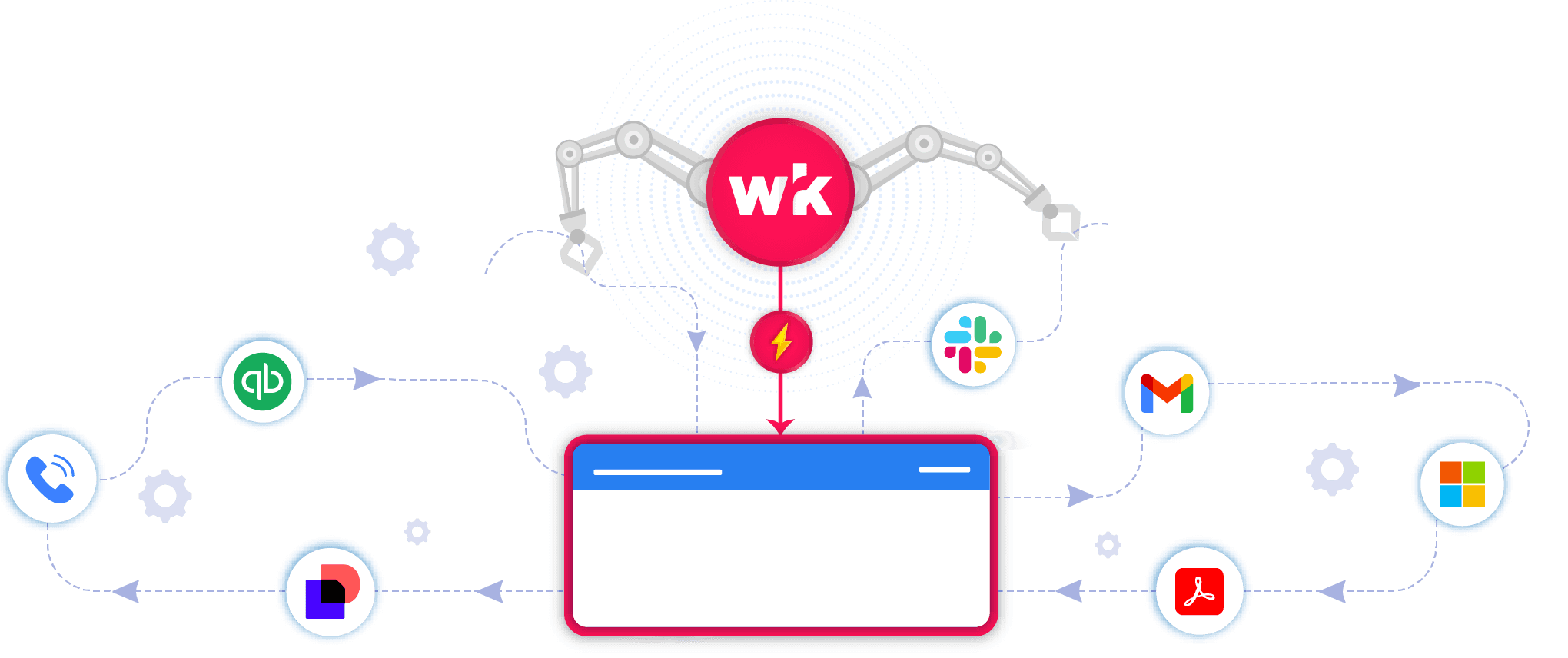
You use powerful apps, but managing growth still creates bottlenecks. Wrk takes those manual tasks off your plate so you can scale without the stress.
Integrate
Gmail
with Anything
Wrk turns
Gmail
bottlenecks into seamless workflows.
Wrk Turns Manual Tasks into Automations
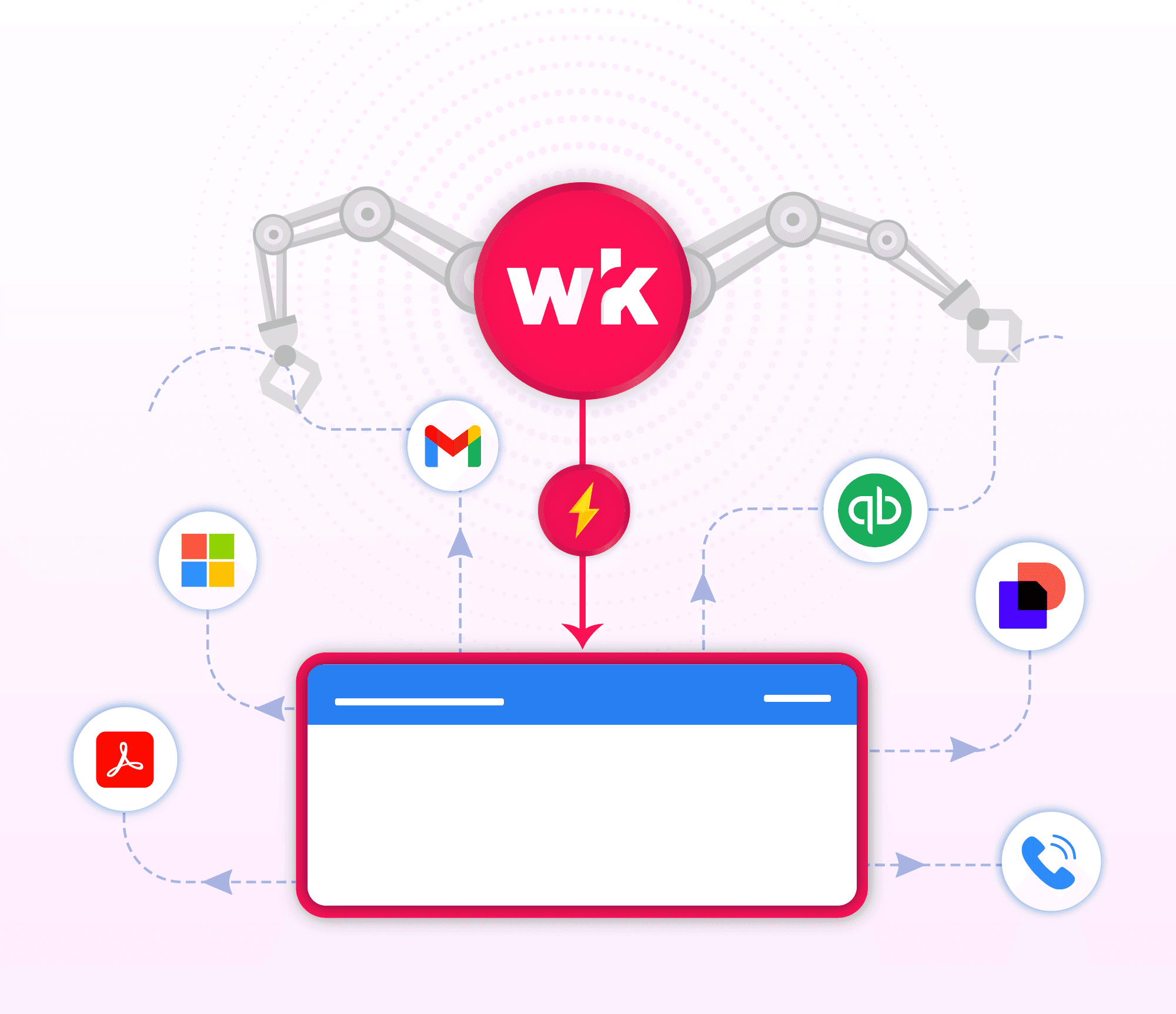
Wrk handles the busywork
Smarter
Gmail
with A.I.
Grow without adding extra headcount
Real Automation Solutions
Automating Reporting from Emails & Spreadsheets
No more copy, paste or checking spreadsheets.
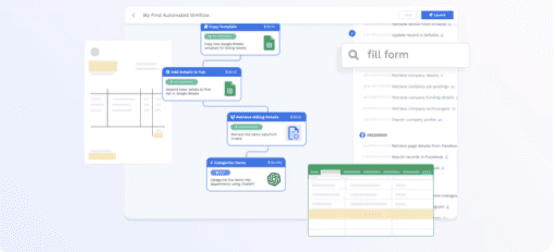
Wrk helps financial services teams eliminate repetitive manual work by automating email and spreadsheet reporting across tools like Microsoft Suite, and secure Network Folders. In highly regulated environments, manual processes slow teams down and create risk. Wrk’s automated workflows can:
Monitor multiple inboxes continuously and trigger next steps automatically
Securely access and verify files across systems
Update Excel/Microsoft Suite tracking logs in real time
Clients reported:
Up to 99% reduction in manual effort for email review and reporting
More time to focus on higher-value, revenue-driving work
Fewer errors and improved compliance adherence
Streamlining Invoicing with QuickBooks
Smart, Simple, and Seamless Invoicing

Manufacturers are under growing pressure to process hundreds of invoices with accuracy and security. Wrk’s AI-powered workflows help businesses streamline their financial operations by automating repetitive QuickBooks tasks. For many clients, manually converting billing data from internal systems into QuickBooks invoices was time-consuming and error-prone. Wrk’s AI-powered workflows:
Extract billing details from internal systems or spreadsheets
Create and send invoices automatically through QuickBooks
Integrate with tools like Dropbox, ServicePal, and Google Sheets
The impact:
More than 90% of 1,400 monthly invoices automated
80-90% of time was saved every month
AR processing is also more accurate
Invoicing time reduced from 4-5 days to 2-3 days
Significant error reduction
With Wrk, businesses in any industry can scale their financial operations efficiently and confidently, automating routine tasks to reduce errors, save significant time, and free their teams to focus on higher-value work.
Automated Vendor Procurement
Wrk transforms scattered bids into smart, structured decisions.
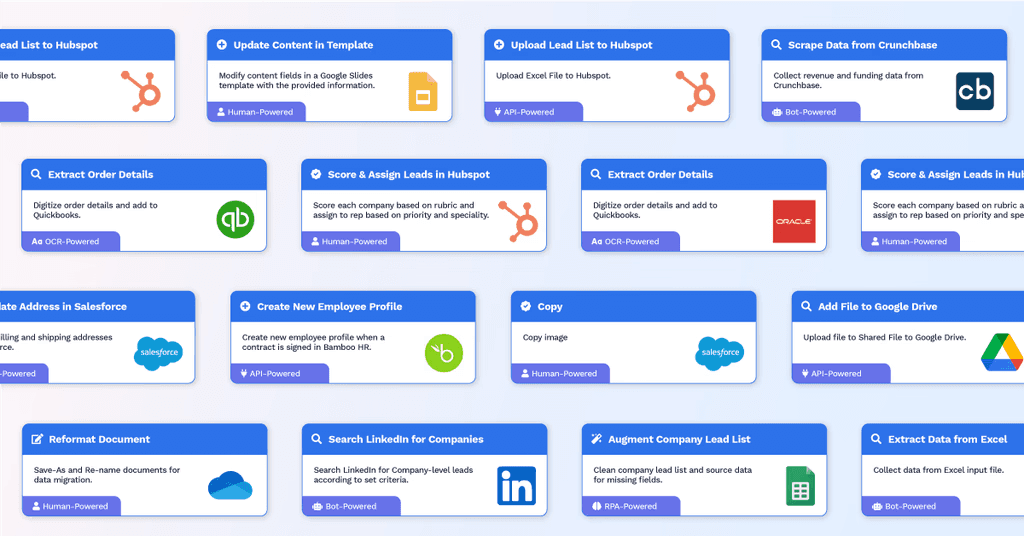
Most teams still manage vendor quotes and procurement manually through emails, PDFs, and spreadsheets. With Wrk’s custom automations, vendor bids are processed and analyzed without manual PDF review. Wrk automatically tags vendor types, compiles quotes, and generates structured summaries to support faster, smarter procurement decisions.
Organize incoming bids
Tag vendors by trade or certification
Auto-forward quotes for internal review
Standardize comparisons
This helps you move from “inbox chaos” to smart, structured vendor selection.
Don’t see your use case? Perfect. The ones no one can automate are exactly the ones we do. Tell us about your use case.
Connect the Tools You Already Use





















































Frequently Asked Questions
What is Gmail, and why integrate with it?
Gmail is Google’s email platform, widely used for personal and business communication. By integrating with Gmail, you can streamline email workflows, automate repetitive tasks, and connect your inbox with other tools, helping your team manage messages, track tasks, follow up with clients, and maintain consistent communication without manual effort.
How does the integration work?
We connect securely to Gmail via Google’s API. When activity happens in your inbox, such as receiving a new email, sending a message, or labeling an email, our platform automatically triggers the right workflow: send follow-up reminders, assign tasks, categorize messages, generate documents, and more.
What can I automate?
Auto-labeling and sorting of incoming emails
Follow-up reminders and email sequences
Task creation from emails
Email-based approvals and e-signature collection
Customer onboarding or support notifications
Integration with other tools like CRM, project management, or document storage
Is my data secure?
Yes. Gmail is built on Google’s secure, cloud-based infrastructure with enterprise-grade encryption. Our integration uses secure API connections and follows best practices for data privacy and protection. We also maintain compliance with applicable standards, including SOC 2 and HIPAA where required.
Will this change how I use Gmail?
Not at all. You’ll continue using Gmail the way you always do. Our system runs in the background—automating repetitive tasks, sending reminders, and keeping workflows consistent—without changing your everyday email experience.
What do I need to get started?
You’ll need a Gmail account with API access enabled (Google Workspace accounts work best). We provide full onboarding and integration support to help you connect your workflows and launch your first automations quickly.
How can I try it?
Schedule a demo with our team. We’ll show you how the integration works and help you launch your first automated workflow inside Gmail in under a week.


Back to top