
Salesforce
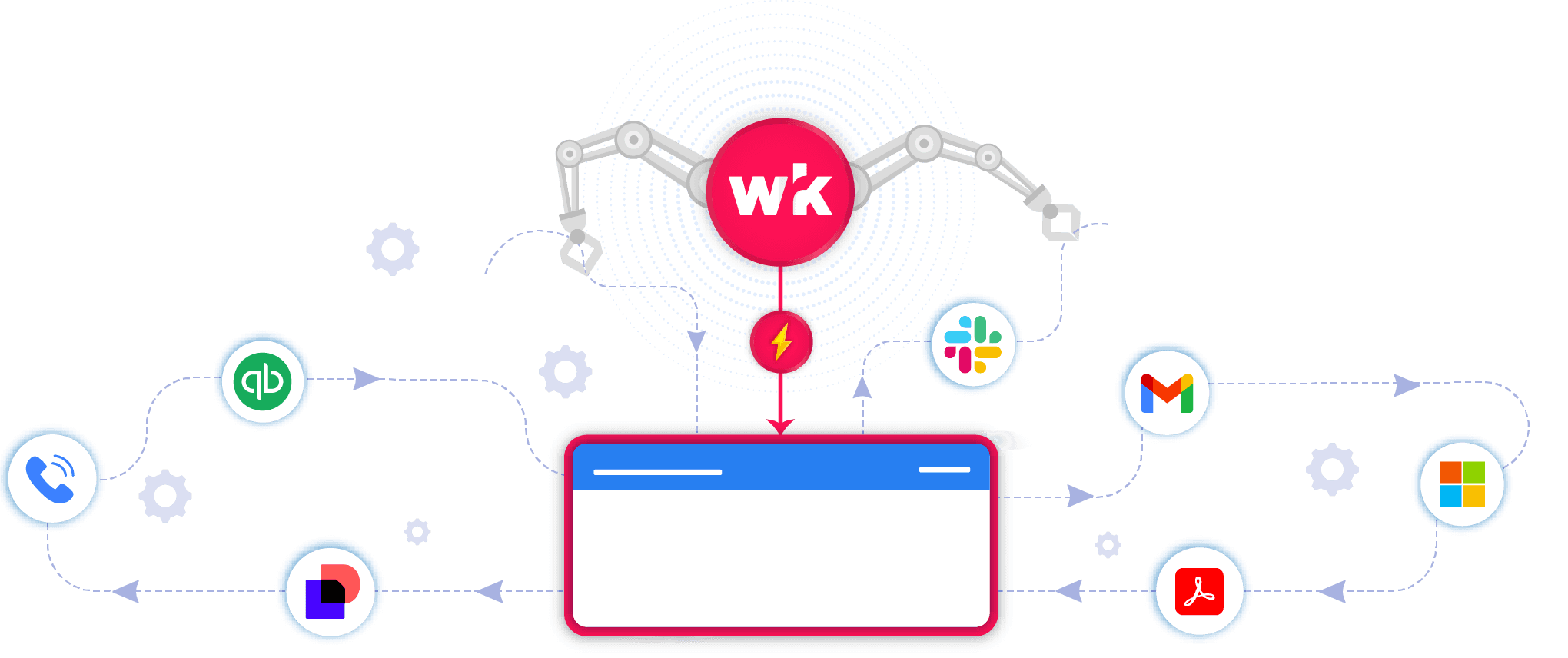
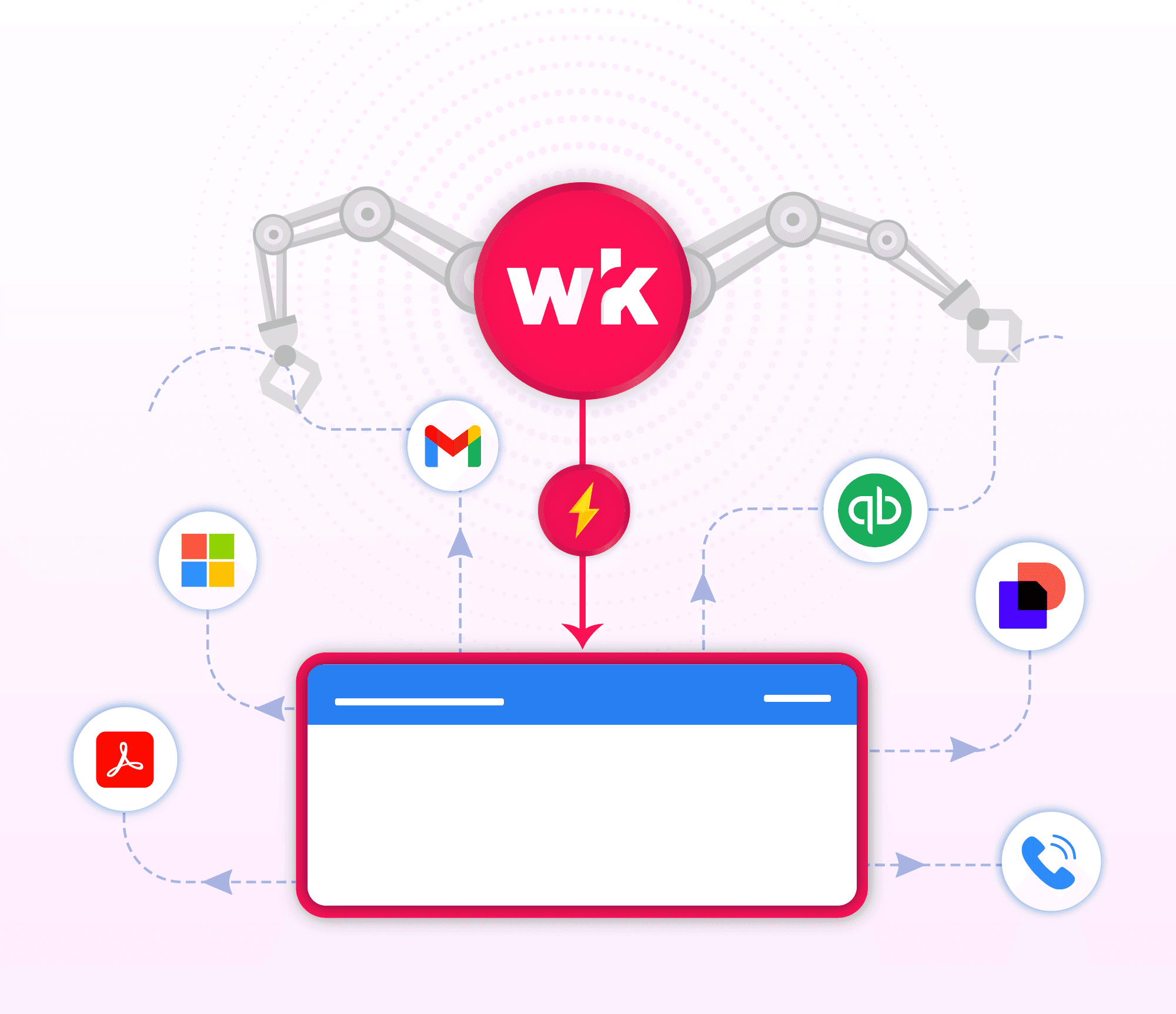
Salesforce is a leading cloud-based CRM platform that helps businesses manage customer relationships, track sales pipelines, automate marketing, and support service operations through a centralized and data-driven system. WRK can enhance workflows built on Salesforce by automating repetitive tasks and connecting Salesforce with other tools your team uses. It can update records, trigger follow-ups, sync data across platforms, generate reports, or notify teams automatically based on Salesforce events. This reduces manual work, improves accuracy, and keeps processes running smoothly from end to end.

Why Choose Wrk for
You use powerful apps, but managing growth still creates bottlenecks. Wrk takes those manual tasks off your plate so you can scale without the stress.
Integrate
Salesforce
with Anything
Wrk turns
Salesforce
bottlenecks into seamless workflows.
Wrk Turns Manual Tasks into Automations
Wrk handles the busywork
Smarter
Salesforce
with A.I.
Grow without adding extra headcount
Real Automation Solutions
Automated Shipment Tracking & Exception Management
Know where everything is and fix issues before they become problems.

Supply‑chain teams spend hours every week logging into carrier portals, chasing tracking numbers, updating internal stakeholders, and reacting to delays only after they’ve already disrupted production or customer commitments. Wrk eliminates this grind by automatically pulling shipment statuses from carriers, freight forwarders, and 3PL systems, then normalizing the data into a single, real‑time view. Every update, in‑transit, delayed, out for delivery, customs hold, is captured and pushed into your ERP, inventory system, or internal dashboards.
When exceptions occur, Wrk triggers alerts, opens tickets, notifies vendors or logistics partners, and routes issues to the right internal teams. Your supply‑chain team gets ahead of issues, reducing downtime, preventing stockouts, and improving on‑time delivery performance. Calmer, more predictable logistics operation where Wrk handles the monitoring and escalation, and your team focuses on strategic planning and customer satisfaction.
Delete Invalid Emails and Incorrect Contact Info
CRM Effortlessly
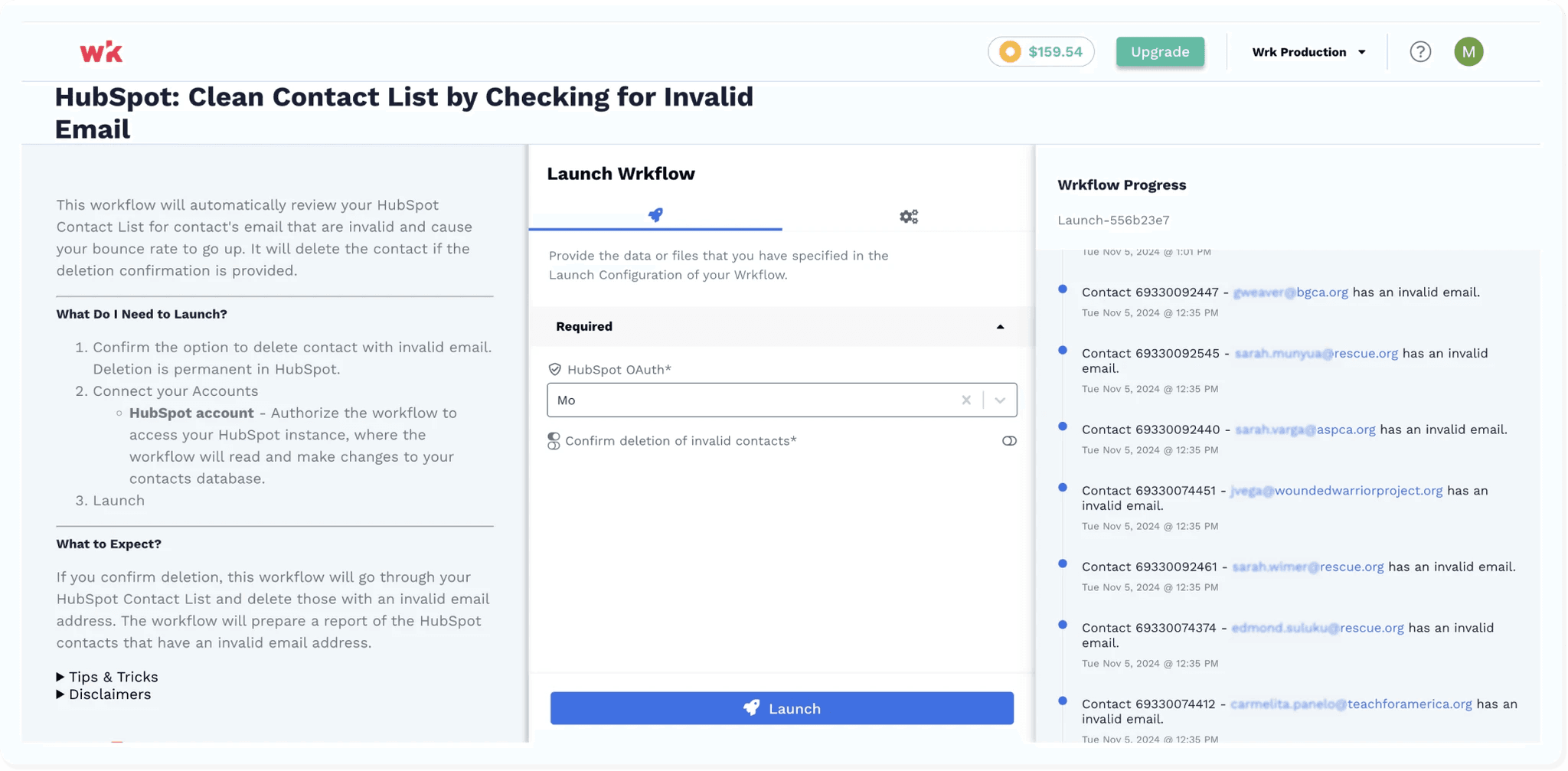
Wrk helps marketing teams maintain clean and reliable contact data across CRMs, email platforms, and internal databases. Invalid email addresses, incomplete contact details, and duplicate records can increase platform costs, reduce email deliverability, and undermine campaign performance. Wrk’s automated workflows continuously validate contact information and clean records according to customizable rules that reflect your team’s data standards. Automated workflows can:
Identify invalid or bounced email addresses and incorrect contact information
Detect duplicate, incomplete, or outdated contact records
Automatically update, merge, archive, or route questionable records for human review
Clients reported:
Improved email deliverability and campaign performance
Lower database and marketing platform costs
More accurate segmentation, reporting, and sales records
Effortless Support Ticket Management
Automate. Prioritize. Resolve — Faster Support Starts Here.

Wrk helps customer experience teams streamline the entire support process, from ticket creation through resolution. Manually reviewing, prioritizing, and assigning requests can delay responses and increase the risk of important issues being overlooked. Wrk’s automated workflows categorize incoming tickets, determine their urgency, and route them to the appropriate team, ensuring every request receives timely attention. Automated workflows can:
Categorize and prioritize tickets based on content, urgency, or customer needs
Assign requests to the appropriate team or support agent automatically
Trigger escalations, status updates, and follow-ups until issues are resolved
Clients reported:
Faster response and resolution times
Fewer overlooked or delayed support requests
Greater accountability and visibility across support teams
Don’t see your use case? Perfect. The ones no one can automate are exactly the ones we do. Tell us about your use case.
Connect the Tools You Already Use



























































Frequently Asked Questions
What is Salesforce, and why integrate with it?
Salesforce is a leading cloud-based CRM platform used for managing customer relationships, sales, service operations, and more. Our solution enhances Salesforce by adding powerful automation and customizable workflows, helping your team reduce manual data entry, increase process consistency, and accelerate key activities such as lead management, case handling, deal follow-ups, and post-sale operations.
How does the integration work?
We connect securely to Salesforce through its API. When important events occur, like a new lead creation, opportunity update, case escalation, quote approval, or account change, our platform automatically triggers the right workflow: send notifications, assign tasks, request approvals, generate documents, update records, and more.
What can I automate?
Lead capture, qualification, and routing
Opportunity updates, sales reminders, and follow-up sequences
Case management workflows, escalations, and SLA notifications
Quote approvals, contract generation, and renewal reminders
Customer onboarding steps and post-sale processes
Document collection, e-signatures, and compliance tracking
Any repetitive or rule-based workflow inside Salesforce
Is my data secure?
Absolutely. We use encrypted API connections and follow enterprise-grade security practices, including SOC 2, HIPAA, and Salesforce security guidelines, to ensure your organizational and customer data remains fully protected.
Will this change how I use Salesforce?
Not at all. You’ll continue working in Salesforce exactly as you already do. Our system operates quietly in the background, automating repetitive tasks and keeping your sales, service, and operations workflows running smoothly.
What do I need to get started?
You’ll need a Salesforce organization with API access (Enterprise, Unlimited, Developer, or API-enabled Professional edition). We provide full onboarding and integration support to help you get set up quickly and confidently.
How can I try it?
Schedule a quick demo with our team, and we’ll show you how to connect Salesforce and launch your first automated workflow, often in under a week.


Back to top