Gmail to Google Drive: Auto-Save Attachments
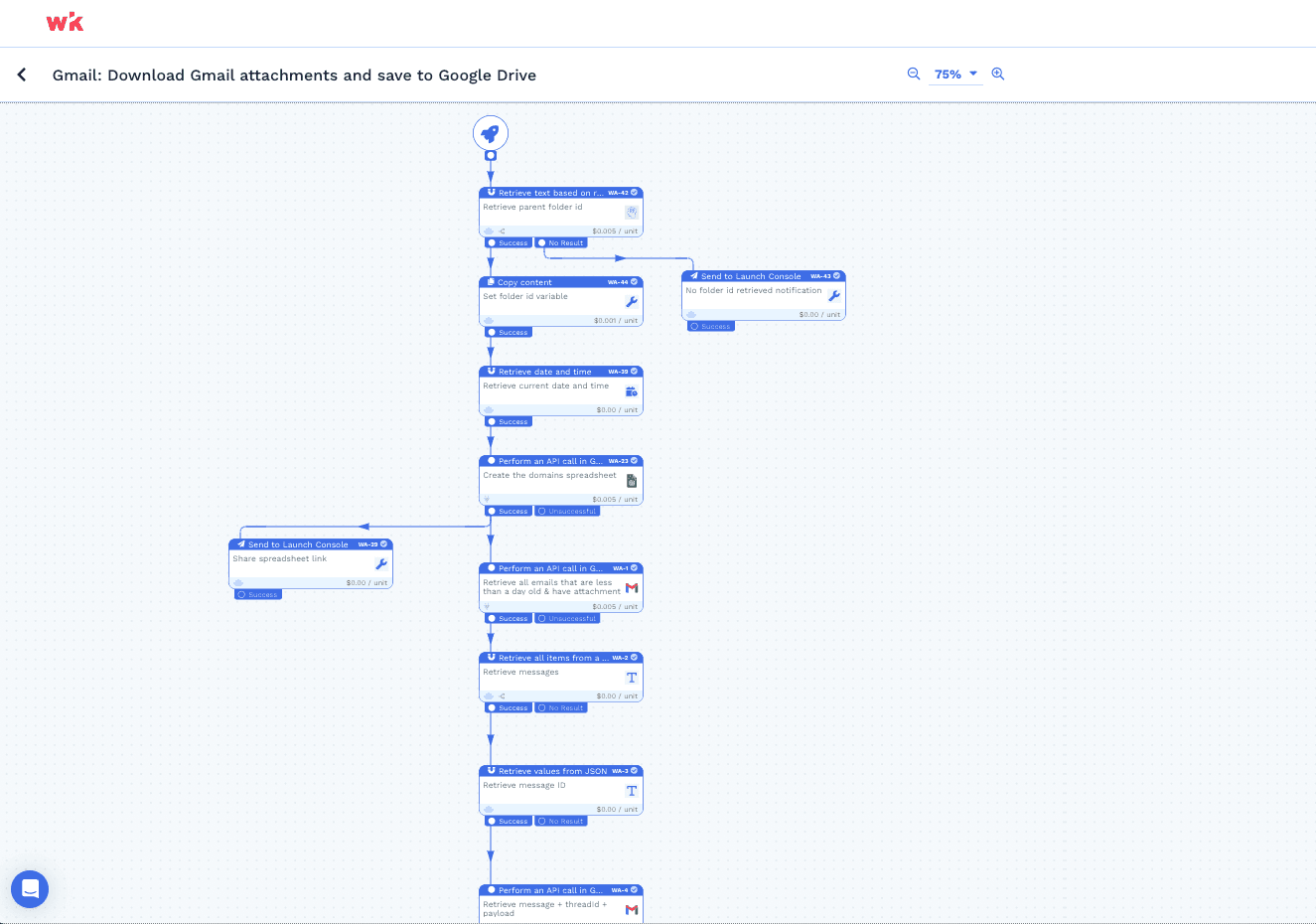
Managing email attachments can be a time-consuming task. With our automation, you can easily streamline this process and keep your Google Drive organized without lifting a finger.
How our automation works its magic:
Capture emails with attachments from the last day.
Extract the sender’s email domain using regex.
Search for a corresponding folder in Google Drive.
If the folder exists, download the attachment there.
If the folder does not exist, create it and then download the attachment.
Integrate it with your favourite apps









Explore more Wrkflows





Start Automating with Wrk
Kickstart your automation journey with the Wrk all-in-one automation platform